
Today is the first screen Ledgr opens to. It answers one thing fast: how is your spending going this month? Every number is built from bank SMS already on your phone — nothing to type.
Read your month
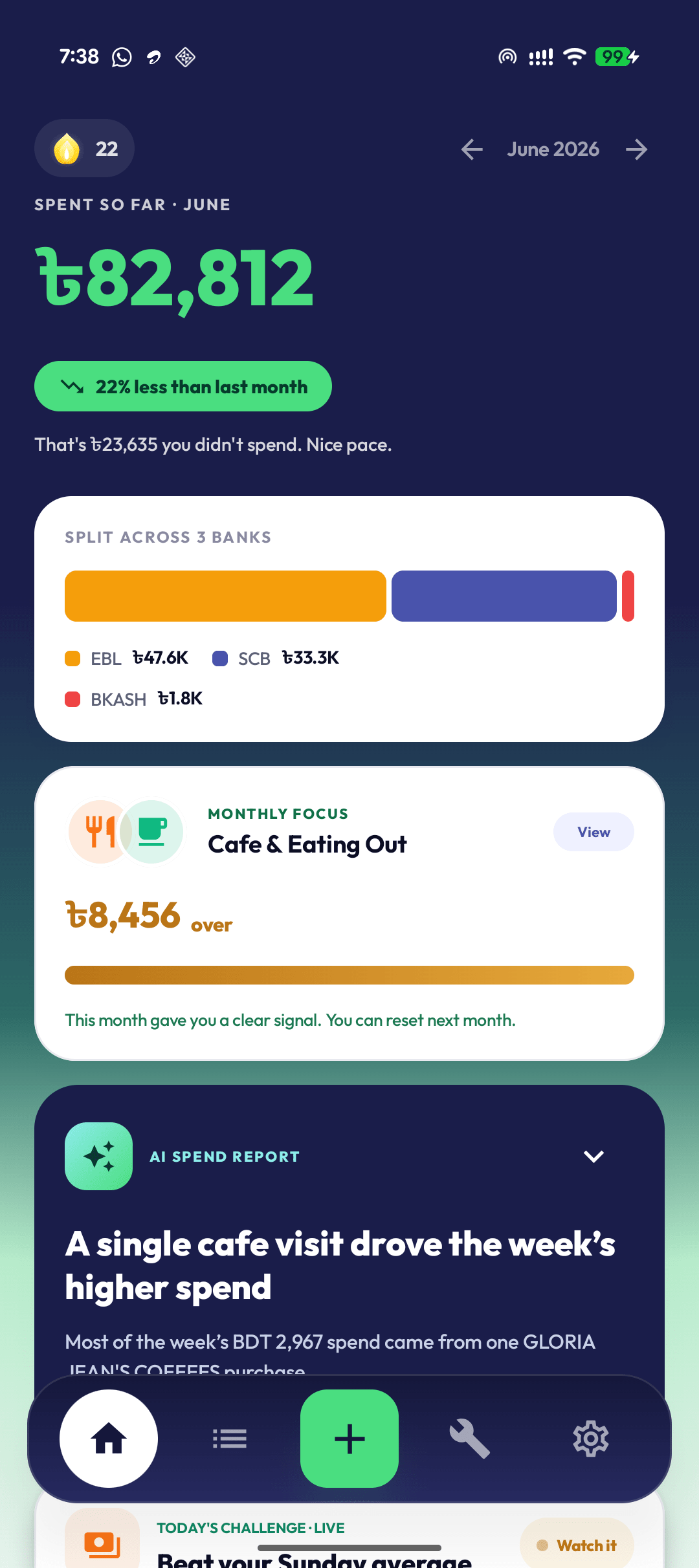
Spend hero & bank split
Shows: total spent so far this month vs. last month — green if lower (with how much you didn't spend), red if higher. The bar below splits that spend across your banks.
Do: read the colour. Green, keep going. Red, ease up while the month is young.
Monthly Focus
Shows: one category to watch — like Cafe & Eating Out — with how far over or under you are.
Do: tap View to give one category a target. Lighter than a full budget.
Act on it
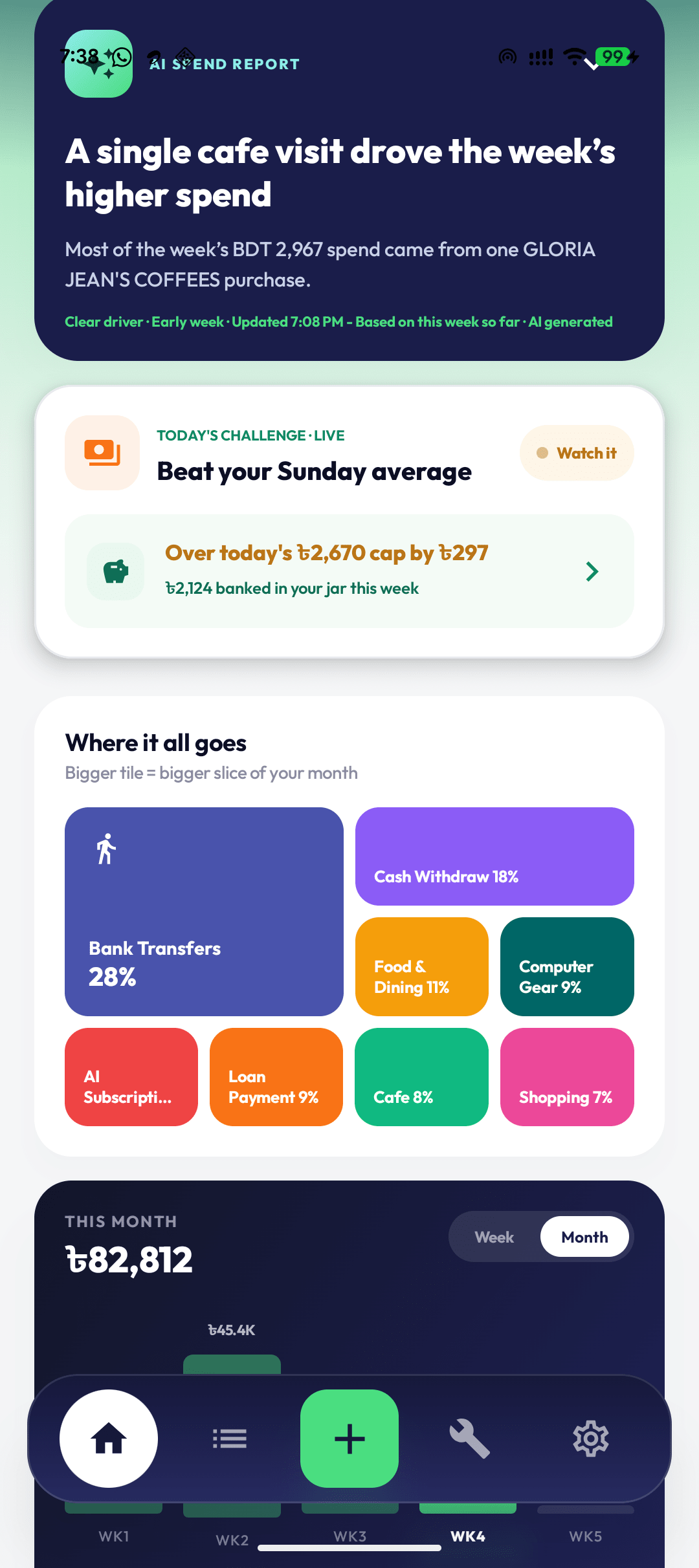
AI Spend Report
Shows: a plain-language read on the one thing driving this week's spend, like "A single cafe visit drove the week's higher spend." Tap to expand for the full diagnosis.
Do: skim the headline. Tap View spending report for the deeper monthly memo.
Today's challenge & Where it all goes
Shows: the live challenge with your jar, and a Where it all goes bento where a bigger tile means a bigger slice of your month.
Do: glance at the biggest tile to spot where the month is really going.
The AI report is optional and reuses the same result for a few hours unless you refresh.
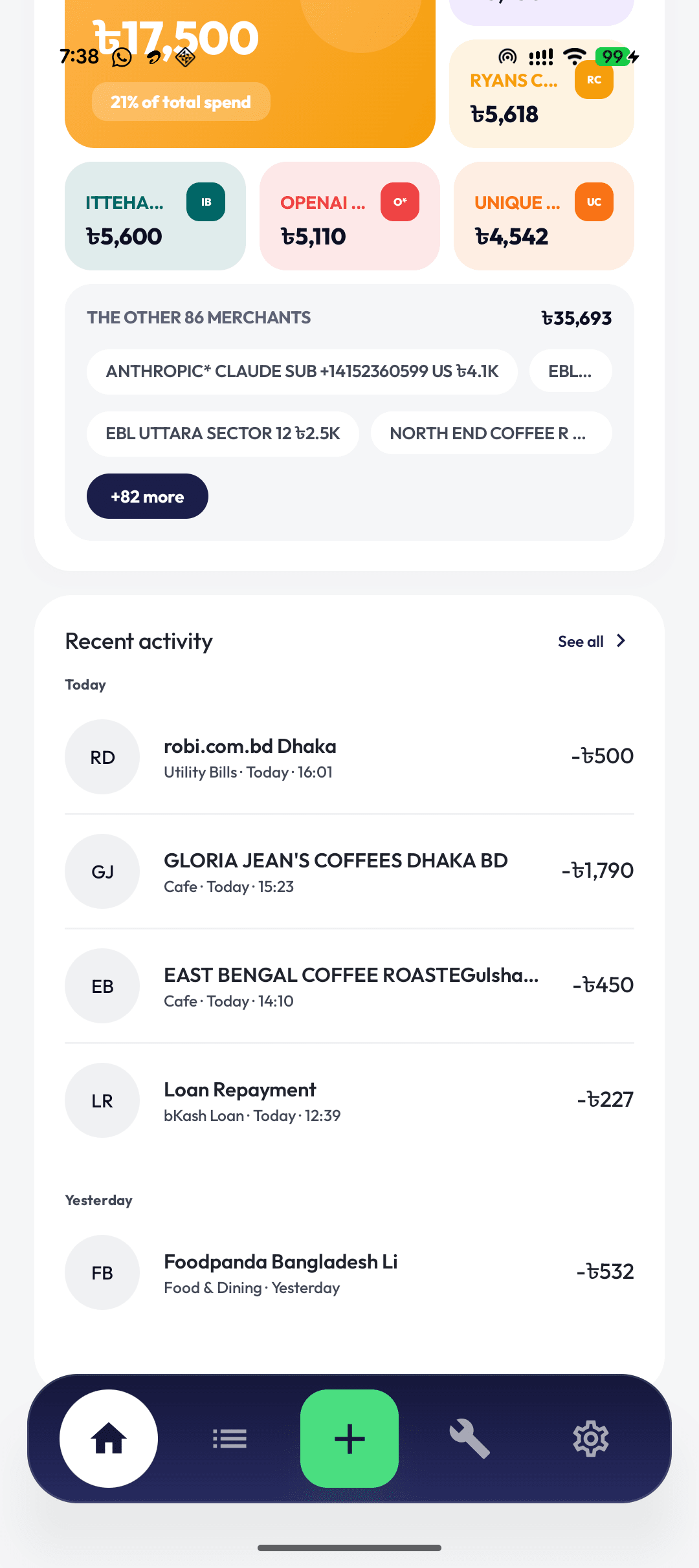
Biggest merchants & recent activity
Shows: your top merchants by spend, an "other merchants" roll-up, and a Recent activity feed of your latest transactions with category and time.
Do: skim recent activity to confirm Ledgr read your SMS — uncategorized merchants are your cue to organize.
Add spend Ledgr missed
Cash, rickshaw fares, or an unsupported bank won’t arrive as SMS. The + button captures them by voice or text.
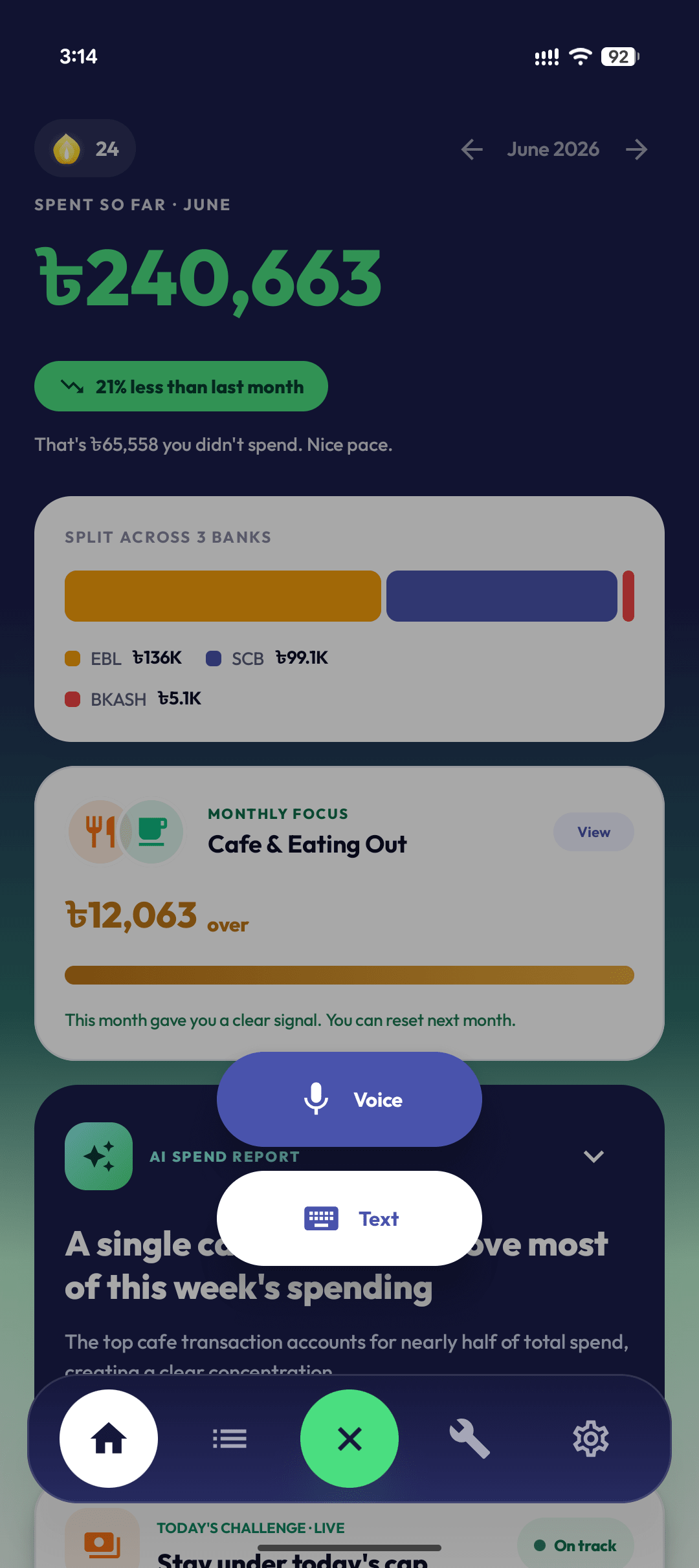
Voice is fastest for cash.

"Spent 200 taka on rickshaw" — Bangla, English, or mixed.

Check the parsed fields, fix anything, save.
Voice and text send a short clip or note to Ledgr's backend for parsing (one-time consent). Ledgr keeps the transaction you review, not the recording.
Privacy in one line
- Bank SMS is parsed locally on your phone — no bank login.
- AI report is optional and uses summarized spend, never raw SMS.
- Only voice/text input touches the cloud, after consent.
FAQ
Why is my total different from my bank balance? Today shows what you spent this month, plus cash you add. It is not your account balance.
Can I see an older month? Yes — use the arrows beside the month name in the hero.
Do I have to use AI? No. The report only appears after you opt in; the rest of Today works without it.