
SCB · Debit + Credit Standard Chartered
Debit, credit, ATM, transfer, and payment alerts.
Ledgr recognizes the transaction alerts these institutions send. Anything else in your inbox is ignored, and cash or an unsupported bank can go in by voice or text.
Debit, credit, ATM, transfer, and payment alerts.

Card, account, transfer, and merchant spend alerts.

POS, ATM, and transfer alerts.

Purchases, payments, and returns on supported cards.

Debit-card purchase and transfer alerts.
POS, ATM, and CityTouch spending alerts.

Payments, bills, and recharge confirmations.

Payment confirmations from Nagad.
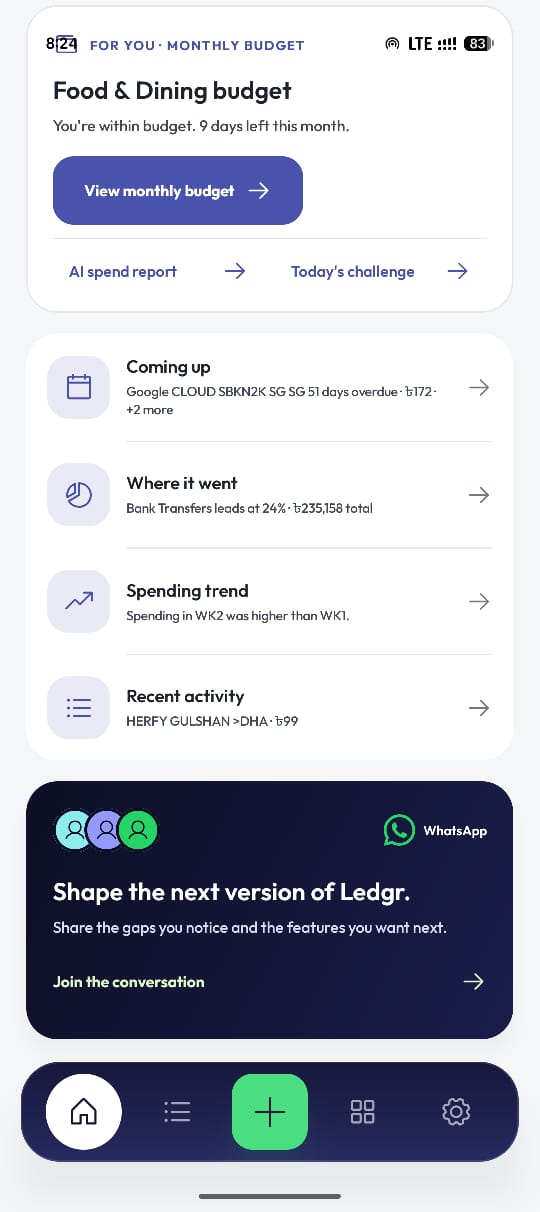
Set a spending challenge, then name each merchant once. Ledgr handles the repeats.
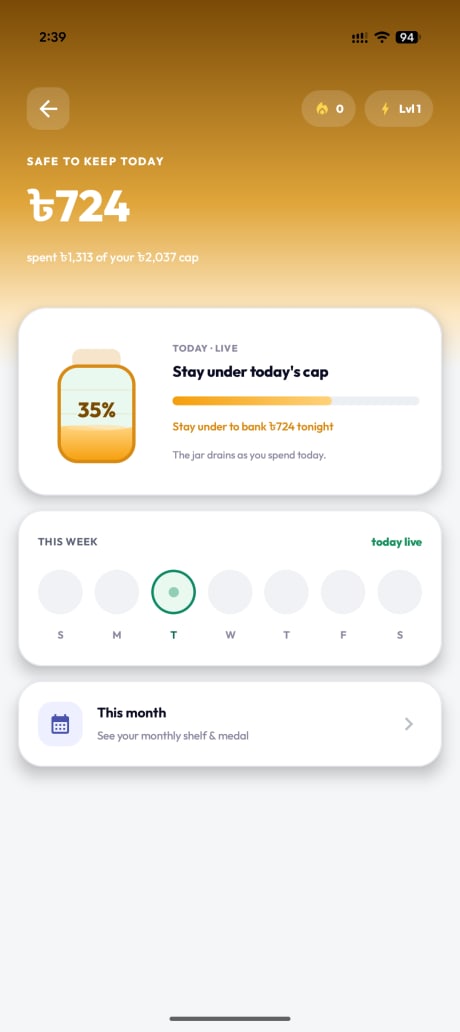
A jar that shows what is still safe to spend today, and a monthly shelf of the streaks you held.

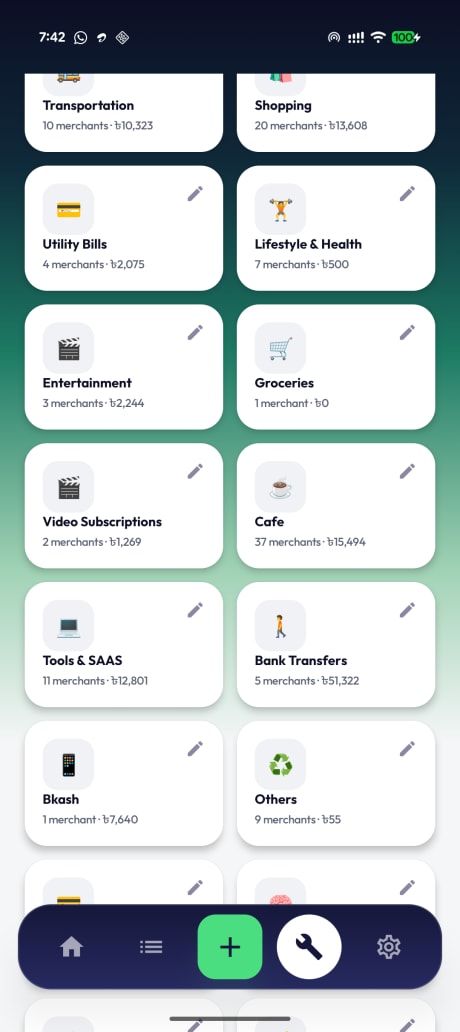
Put AGORA under Groceries and every past and future AGORA line follows it.

Setup is short because the transaction trail is already sitting in your inbox.
Ledgr looks only at alerts from supported banks and wallets. Chats, OTPs, and everything else are skipped.
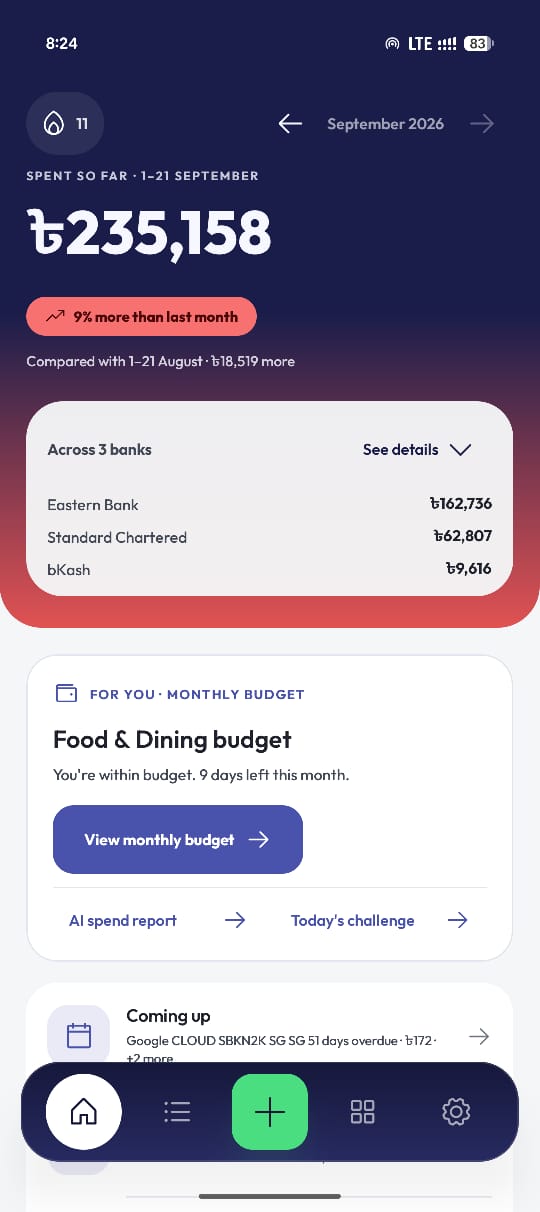
Matching alerts become transactions on the device, grouped by bank and category. New ones land as they arrive.
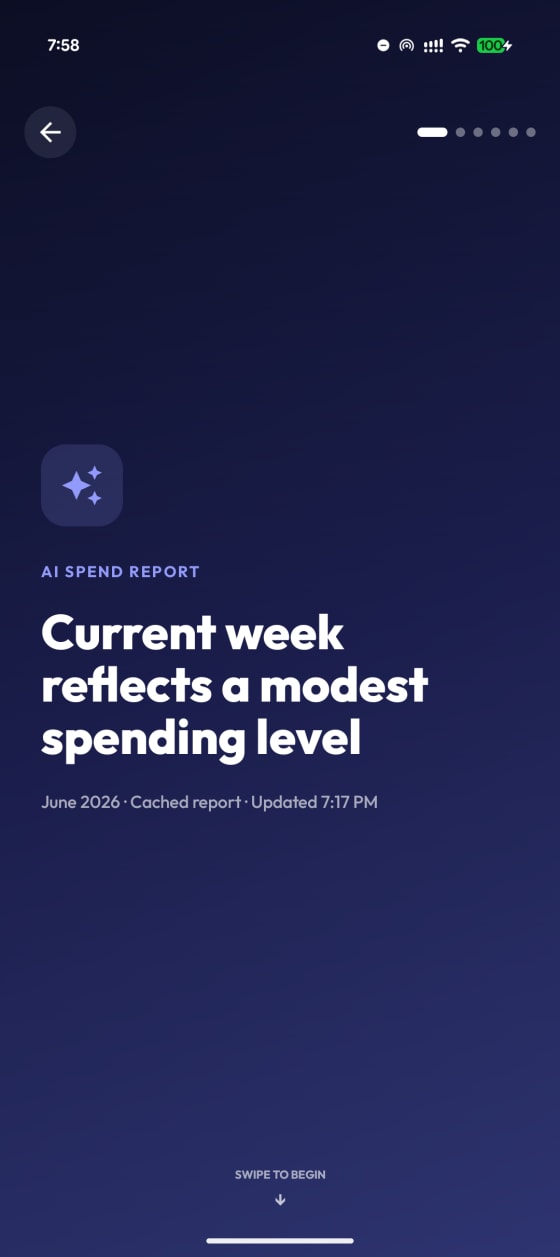
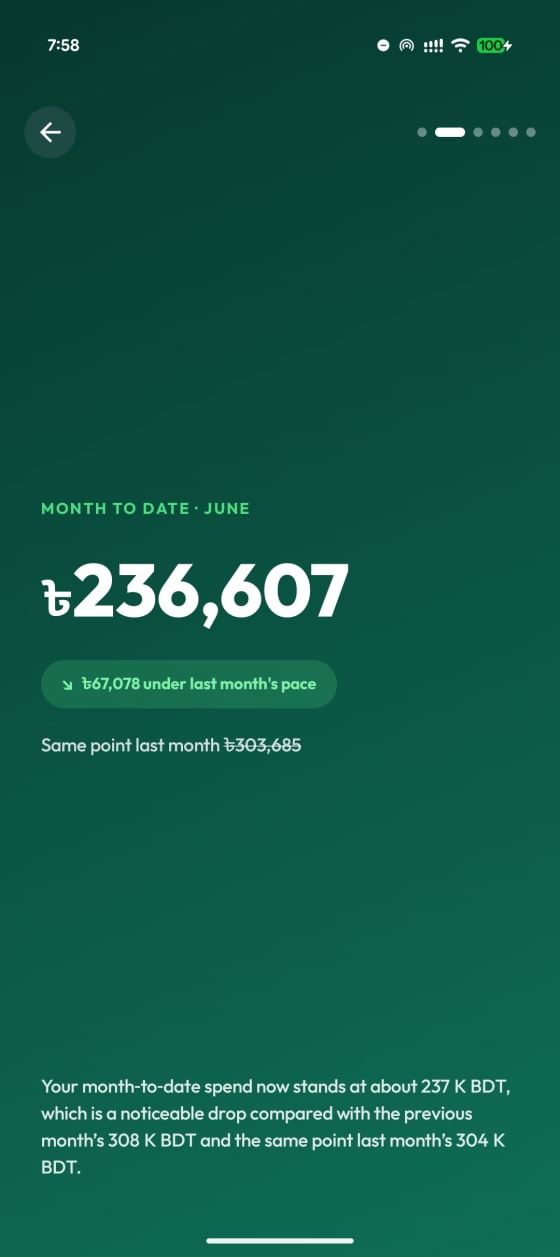
Today tells you where the month stands. The report tells you why it got there.
It is the only way to read the transaction alerts your bank already sends you. Ledgr matches those alerts on the phone and skips everything else in your inbox, including chats and OTPs. Nothing is uploaded.
No. Your messages, transaction history, categories, and merchant rules stay on the device. AI reports are optional and use short summaries, never your raw SMS.
Standard Chartered, Eastern Bank, Trust Bank, Mutual Trust Bank, BRAC Bank, and The City Bank, plus bKash and Nagad. Whether a specific card works depends on the alert format your bank uses.
You can still use Ledgr. Add those expenses by voice or text, and they sit alongside the imported ones.
No. Tracking, categories, and challenges all work without it. Reports run only after you turn them on.
Not for a supported bank. Those transactions appear on their own. Cash and anything unsupported goes in by voice or text.
Yes, for now. Ledgr is an Android app, live on the Play Store.
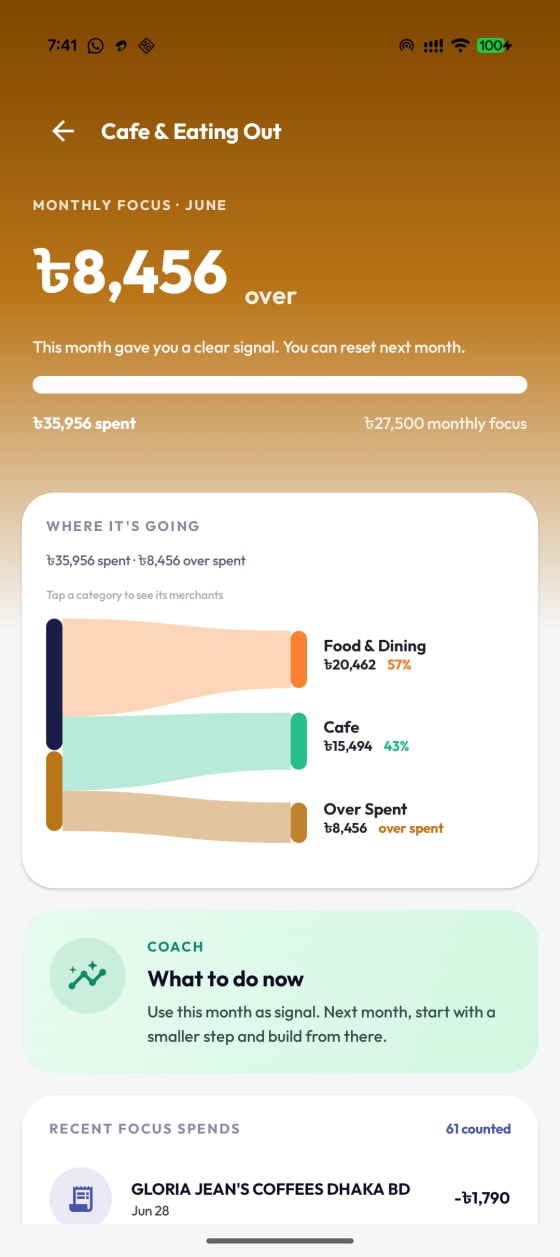
You will see the month you already had within a minute of installing. Android only for now, built around Bangladeshi bank alerts.
Your transaction history, categories, and merchant rules stay on the phone.
Reports run only after you consent, and never on raw SMS.
No SMS, merchant names, notes, phone numbers, or transaction amounts. Anonymous usage counts only.